How to find and cancel subscriptions you forgot about
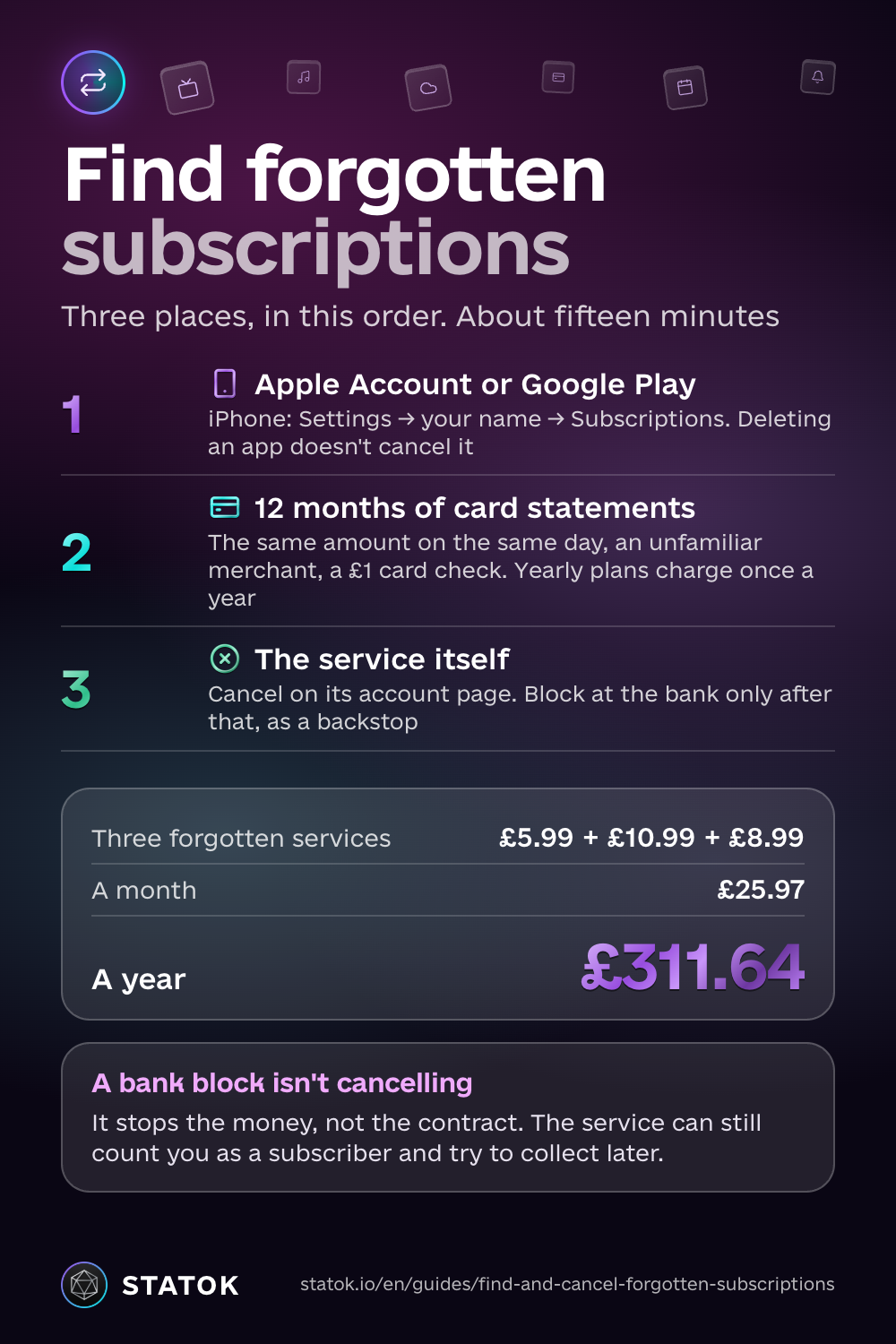
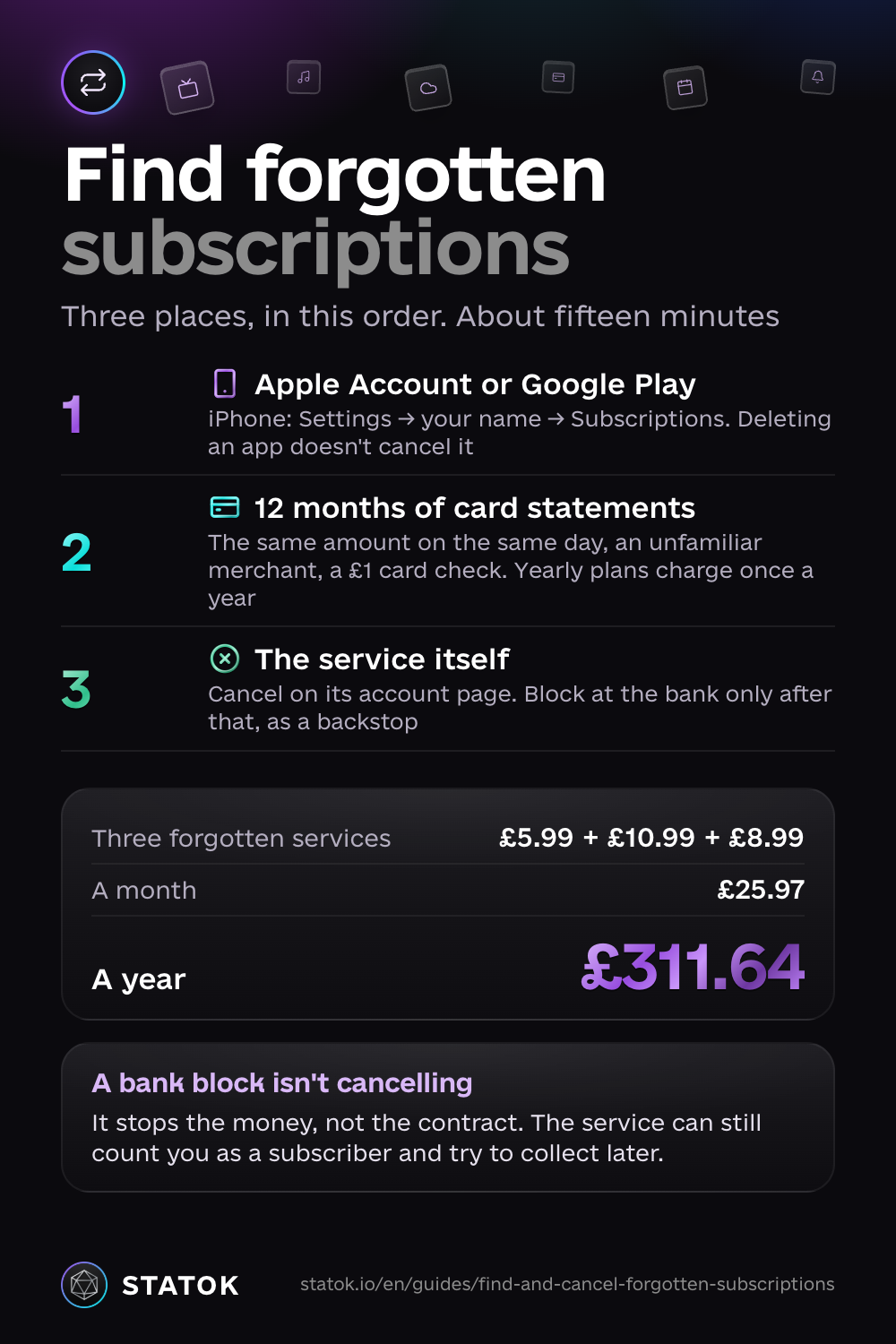
To find subscriptions you forgot about, check three places: your Apple Account (formerly Apple ID) or Google Play account, your card statement, and the account page of the service itself. Check them in that order, cancel each one where you signed up, and only then block anything at the bank. The whole audit takes about fifteen minutes.
It’s worth the fifteen minutes because small charges hide well. Three services you stopped using at £5.99, £10.99 and £8.99 a month come to £25.97 a month, or £311.64 a year. People also tend to guess low: in a 2022 US survey of 1,000 adults by C+R Research, people estimated $86 a month on subscriptions, while the real figure was $219.
Step 1. Find forgotten subscriptions in Apple ID and Google Play
Start with the app store. Everything you subscribed to through your phone is listed there, and the check takes two minutes.
iPhone
Go to Settings → your name → Subscriptions. Active subscriptions sit at the top, expired ones below. Tap the one you don’t need and choose Cancel Subscription. You keep access until the end of the period you already paid for, so there’s no reason to wait.
Deleting an app does not cancel its subscription. The charges keep coming until you cancel here.
Android
Open Google Play → your profile → Payments & subscriptions → Subscriptions, pick the service and cancel.
Step 2. Read 12 months of card statements
Plenty of services never go through an app store. Streaming, cloud storage, VPNs, gyms and news sites usually bill the card you once typed into their website.
What to look for
- the same amount on roughly the same day each month;
- a merchant name you don’t recognise, often a parent company rather than the brand;
- a tiny charge like £1, or a £0.00 “card check”: often the start of a free trial that later turns into full price.
App Store purchases appear as a single line such as APPLE.COM/BILL with no service name. That’s why Step 1 comes first: only your Apple Account can tell you what that line is.
Why 12 months, not 3
Annual plans charge once a year. Scroll back three months and you won’t see the £59.99 cloud plan that renewed last March, and it will renew again next March. Your banking app’s search or export makes this quick: filter by the merchants you spotted and check the dates.
Many banking apps now list recurring card payments in one place and let you block a merchant. Use it, but read Step 3 first.
Step 3. Cancel with the service itself
Found something you forgot about? Log in to the service and cancel from your account or billing page. That’s the only place the contract actually ends.
Why blocking at the bank isn’t cancelling
A bank block stops the money, not the agreement. The service can still treat you as a subscriber, record what you owe and try to collect it later, from a new card or through a debt collector. Cancel at the source first. Block at the bank afterwards if you want a backstop. In the UK, cancelling a recurring card payment with your bank is your right, not a favour: the bank must stop it.
If you’ve already been charged
- Contact the service’s support and ask for a refund.
- If you paid through Apple, request a refund at reportaproblem.apple.com. For Google Play, use your order history.
- If a Direct Debit was taken in error, for example after you cancelled the Direct Debit, the Direct Debit Guarantee gives you an immediate refund from your bank. For a card payment, ask your bank about a chargeback. That can take weeks, and it isn’t guaranteed.
Where to get free help
In the UK you can cancel a recurring card payment directly with your bank or card provider, and it has to stop it. Anything taken after that counts as unauthorised and must be refunded (FCA: recurring card payments). If the company or the bank won’t sort it out, Citizens Advice explains your options for free. If a debt collector contacts you about a subscription, MoneyHelper offers free debt advice. In the US, you can submit a complaint to the CFPB.
How to stop it happening again
Use one card for subscriptions
Put every subscription on a single card, ideally a virtual or prepaid one that isn’t linked to an overdraft or credit limit. You see all recurring charges in one statement. Keep enough on it for the subscriptions you’re keeping, and leave essentials like rent, energy and your phone contract on your main account. If a renewal you didn’t expect gets declined, that’s your cue to cancel it with the service: a declined payment doesn’t end the contract, and some services retry or add a late fee.
Keep a renewal calendar with reminders
Write down each subscription you’re keeping, with its price and next charge date, and set a reminder a few days before. That gives you time to decide before the money leaves, which matters most for free trials and annual plans.
Subscriptions usually belong in the “wants” part of your budget. The 50/30/20 rule guide shows how to size it.
How STATOK does it
STATOK doesn’t cancel subscriptions or block cards for you. That always happens with the service or your bank. What it does is make sure nothing renews by surprise.
- Control → Subscriptions. All your subscriptions in one list, with a summary on top: MONTHLY, YEARLY, % OF INCOME and what’s due in the NEXT 7 DAYS. The Calendar shows every upcoming charge date.
- Reminders. For each subscription, set Remind me to 1, 3 or 7 days before the charge.
- Price changes. When a charge comes in higher than before, the subscription is marked Price went up, so a quiet price rise doesn’t slip past.
- New recurring payments (Pro). When the same charge repeats in your transactions, Aura shows an “Aura · recurring payment” card. Confirm adds it to your subscriptions (Pro); Ignore dismisses it.
- Subscription comparison (Pro). Aura flags overlap, like paying for two music or two cloud services, and offers to compare them so you keep one.
For Aura to see payments, they have to reach STATOK: import a statement as Excel, CSV or PDF, log by voice or receipt scan, or capture Apple Pay taps and bank SMS through iOS Shortcuts. The Free plan tracks a limited number of subscriptions; Pro is unlimited.
Once your subscriptions are on the calendar, you know every charge before it lands. To turn what’s left into a daily figure, read how much you can spend per day. To see all your spending, not only the recurring part, read how to track your spending.
Read next
- The 50/30/20 rule: where subscriptions sit in your budget.
- How to build an emergency fund: a good home for the money you just freed up.
- How to track your spending: a month of records shows every recurring charge.
Save this guide
Download as an image Download as an image Download as an image